
snoCAD-X

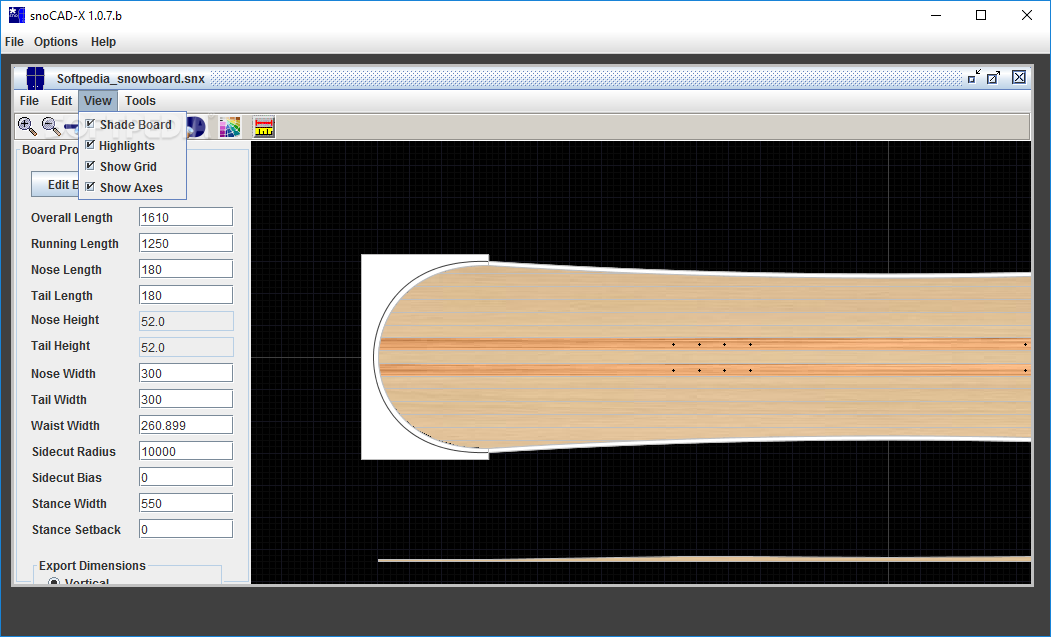
Quote from Alpine Underground on June 27, 2026, 5:18 pmsnoCAD-X is an open source CAD program for designing skis and snowboards. It was written by Dan Graf of Graf Snowboards in 2007 and has been widely used since then. In 2014 it was open sourced in order to allow the greater ski and snowboard building community to carry it forward.
snoCAD_X is published on Github at https://github.com/mikemag/snoCAD-X
snoCAD-X is an open source CAD program for designing skis and snowboards. It was written by Dan Graf of Graf Snowboards in 2007 and has been widely used since then. In 2014 it was open sourced in order to allow the greater ski and snowboard building community to carry it forward.
snoCAD_X is published on Github at https://github.com/mikemag/snoCAD-X
Quote from Alpine Underground on July 11, 2026, 10:50 pmI was able to get this to run on a Raspberry Pi. In the pictures I have it installed with TwistorOS, but I have been successful installing it on the standard Raspberry Pi OS. If people are interested I can log how to go about it.
I was able to get this to run on a Raspberry Pi. In the pictures I have it installed with TwistorOS, but I have been successful installing it on the standard Raspberry Pi OS. If people are interested I can log how to go about it.
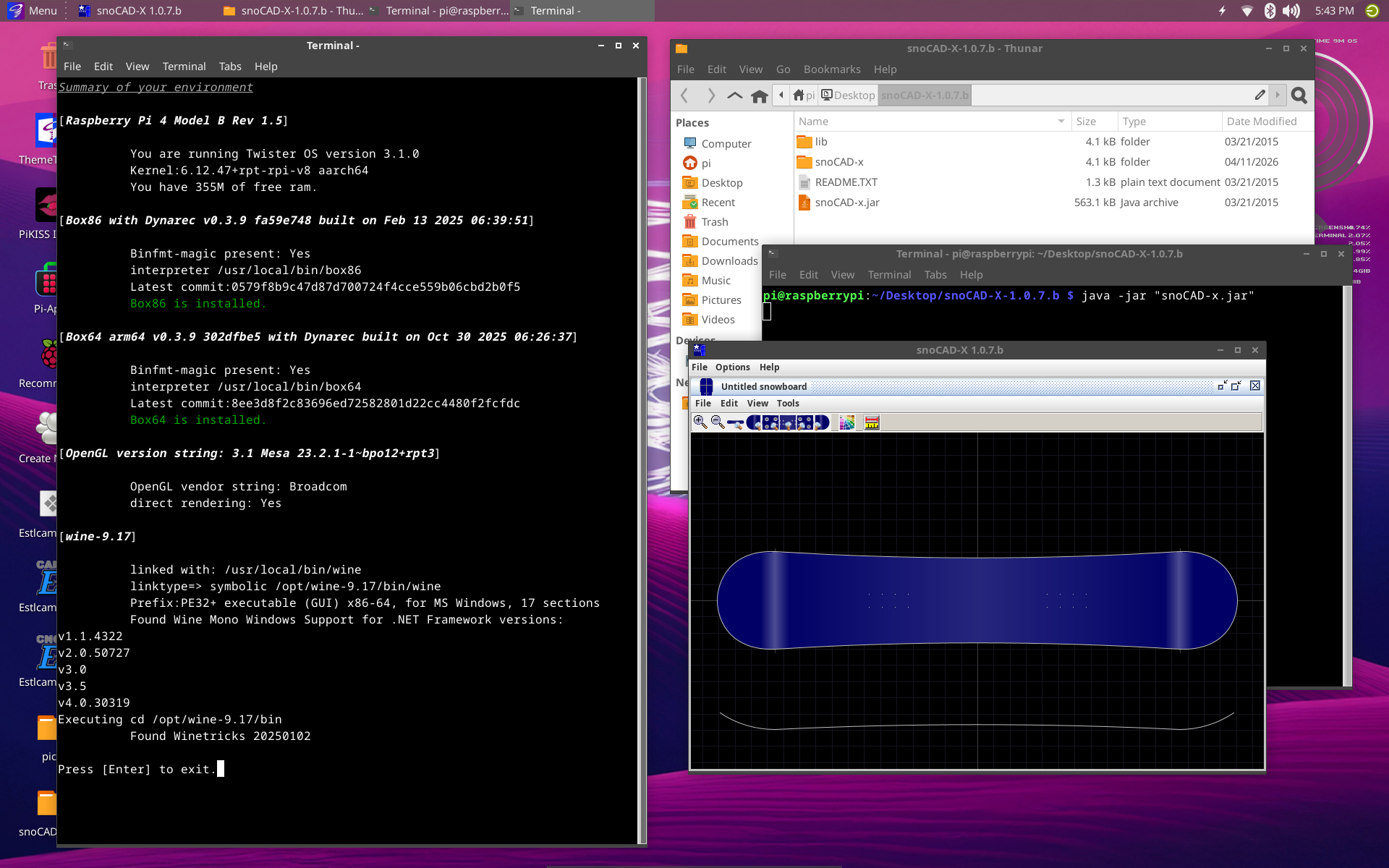
Quote from Alpine Underground on September 3, 2026, 4:04 pmSnoCAD-X on Raspberry Pi 4, fresh install of Trixie OS 64Prerequisites & Installation Steps
• Install Java on your Raspberry Pi:
Ensure you have a 64-bit version of Raspberry Pi OS running and install an open-source Java runtime package via the terminal:sudo apt update sudo apt install default-jdk • Make snoCAD-X folder and open: mkdir -p /home/pi/snocad-x cd /home/pi/snocad-x • Download snoCAD-X: wget https://github.com/mikemag/snoCAD-X/releases/download/v1.0.7.b/snoCAD-X-1.0.7.b.zip • Unzip snoCAD-X: unzip snoCAD-X-1.0.7.b.zip • Open snoCAD-X folder: cd /home/pi/snocad-x/snoCAD-X-1.0.7.b • Run snoCAD-X: java -jar snoCAD-x.jar
• Install Java on your Raspberry Pi:
Ensure you have a 64-bit version of Raspberry Pi OS running and install an open-source Java runtime package via the terminal:
sudo apt update
sudo apt install default-jdk


• Make snoCAD-X folder and open:

mkdir -p /home/pi/snocad-x
cd /home/pi/snocad-x


• Download snoCAD-X:

wget https://github.com/mikemag/snoCAD-X/releases/download/v1.0.7.b/snoCAD-X-1.0.7.b.zip


• Unzip snoCAD-X:

unzip snoCAD-X-1.0.7.b.zip


• Open snoCAD-X folder:

cd /home/pi/snocad-x/snoCAD-X-1.0.7.b


• Run snoCAD-X:

java -jar snoCAD-x.jar